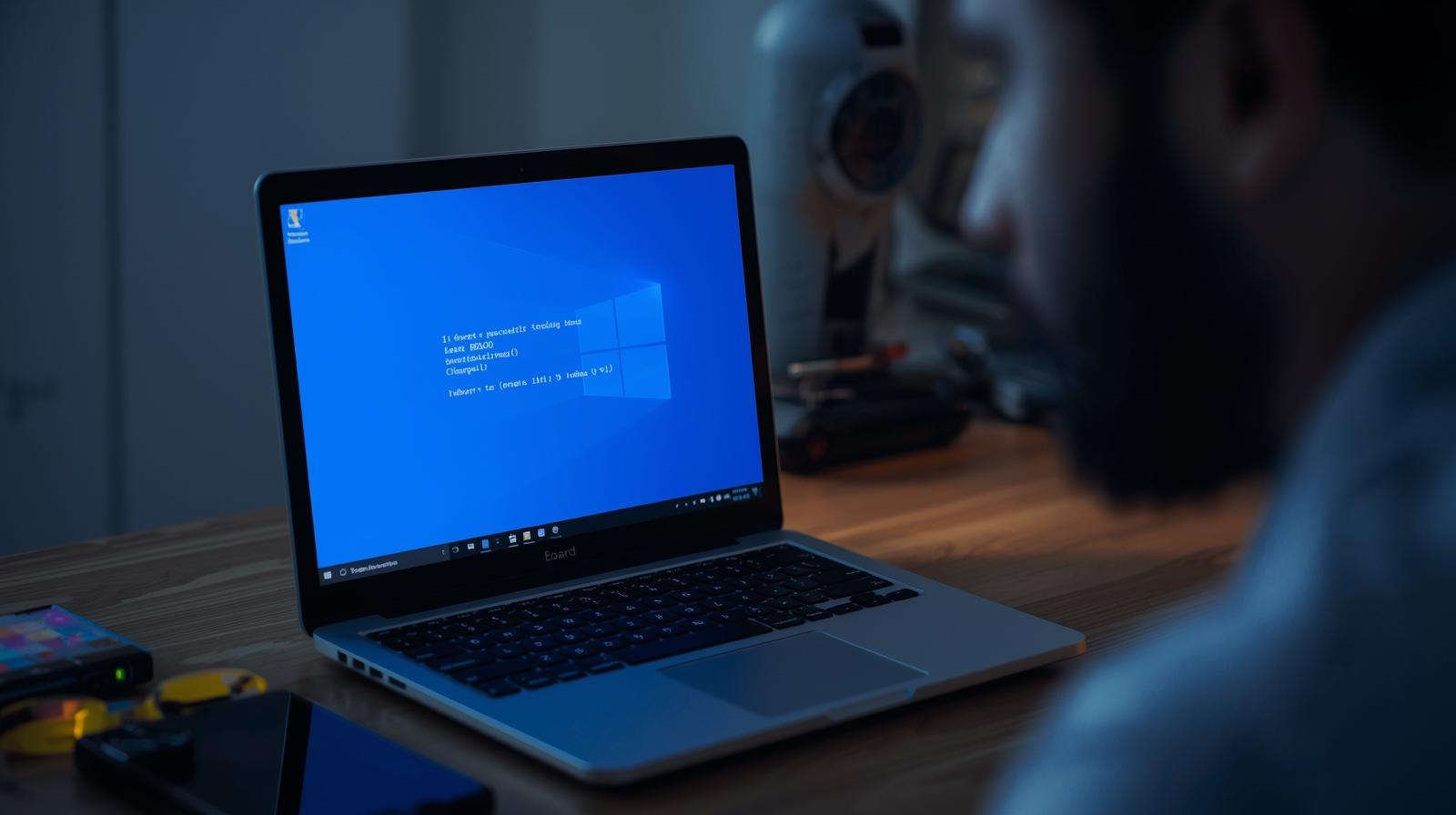
I. Introduction: Decoding the Blue Screen of Death
The Blue Screen of Death may look serious, but simple Blue Screen Fixes can solve most problems quickly.
People in Palasia, Indore often face BSOD errors due to software faults, hardware failure, or bad drivers.
Many users search for quick and affordable Palasia computer repair when their laptop or PC suddenly stops working.
Some errors need special attention, such as the KMODE_EXCEPTION_NOT_HANDLED fix, a common driver-related issue.
Others appear because of damaged components like faulty memory, which is a typical Faulty RAM BSOD cause.
Sometimes, Windows files get damaged and require a proper Corrupted system files repair using built-in tools.
This guide explains everything in simple steps to help you fix BSOD issues safely and avoid data loss.
II. Advanced DIY Blue Screen Fixes for Palasia PC Users (Step-by-Step)
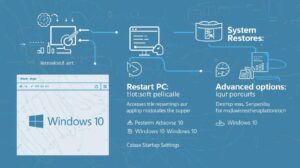
Fix 1: The Foundation — System Restore and Safe Mode
A recent update or driver installation may have caused the BSOD.
Using System Restore lets you take the system back to a stable state.
If the BSOD keeps showing, boot into Safe Mode to isolate software issues and perform diagnostics without interruptions.
Fix 2: Driver Conflict Resolution — Roll Back and Update
Driver errors are one of the most common BSOD causes.
Open Device Manager in Safe Mode and look for a driver marked with an exclamation sign.
Rolling back a driver or installing the official update often removes BSOD triggers instantly.

Fix 3: Repairing Corrupted System Files
Windows stores essential system files that keep your PC running.
A corruption in these files can easily trigger a BSOD.
Use the command SFC /scannow to repair missing or damaged files.
Run DISM /Online /Cleanup-Image /RestoreHealth for deeper file-level repairs.
Fix 4: Comprehensive Hard Drive/SSD Check
Disk errors can cause stop codes like INACCESSIBLE_BOOT_DEVICE.
Use the command CHKDSK /r to find and fix disk errors.
Make sure your system also has enough free space, as a nearly full disk can lead to kernel-level issues.
Fix 5: Testing Your Hardware — RAM and Overheating
A common hardware trigger for BSOD is faulty RAM.
Run the Windows Memory Diagnostic Tool to scan your memory modules.
Overheating, which is frequent in Indore’s warm climate, can also lead to unexpected system crashes.
III. BSOD Troubleshooting: Common Stop Codes Explained
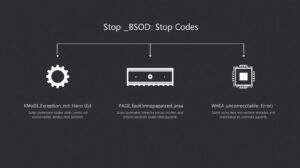
KMODE_EXCEPTION_NOT_HANDLED
This error usually appears when a driver tries to access memory incorrectly.
Fixes include updating or rolling back drivers, checking BIOS settings, or removing faulty third-party software.
PAGE_FAULT_IN_NONPAGED_AREA
This stop code is commonly caused by faulty RAM, corrupted drivers, or antivirus conflicts.
Testing memory modules and updating drivers usually solves it.
WHEA_UNCORRECTABLE_ERROR
This is a serious hardware-level BSOD.
It often points to CPU failure, motherboard issues, or unstable power.
Voltage fluctuations, which are common in many Indian cities, can also trigger this error.
IV. When to Seek Professional Palasia Computer Repair Support
Contact a professional when your PC refuses to boot, Safe Mode does not work, or BSOD errors appear repeatedly.
Some issues need component replacement, such as RAM, motherboard, power supply, or SSD.
Local experts in Palasia, Indore can perform deeper testing with advanced tools, ensuring the fault is fixed correctly.
V. Conclusion & Call to Action
BSOD errors may look complicated, but most can be repaired with the right steps.
Always back up your data before trying advanced fixes.
If the BSOD continues after all efforts, it is best to call a professional for fast diagnosis.
Need professional Blue Screen Fixes in Palasia, Indore, that DIY couldn’t solve? Contact Indore Tech Support for fast, reliable doorstep PC diagnosis and repair.
Further reading: Microsoft: Troubleshooting Stop Code Errors, Dell: Blue Screen Help

Leave a Reply